Getting Started with the Knowledge Base 
The Knowledge Base (KB) area of the IT Documentation is where you will find how-to docs, reference materials, getting started guides all related to helping you set up and get started.
Searching the KB 
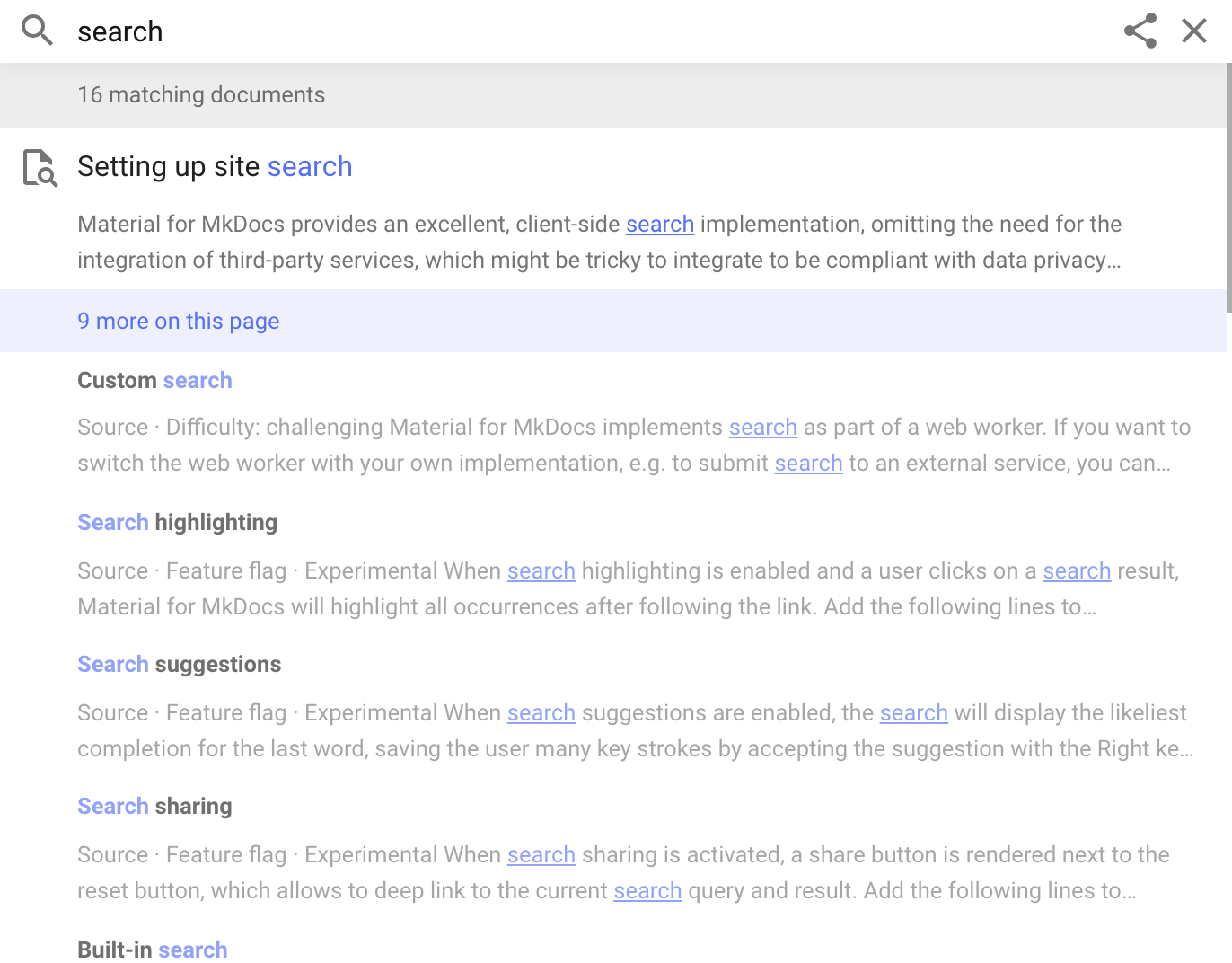
The search tool at the top of every page in the KB allows you to search the KB.
When you start a search, results start appearing as soon as you begin typing. You'll get results from every pages highlighting all occurences on those pages
Navigating Articles 
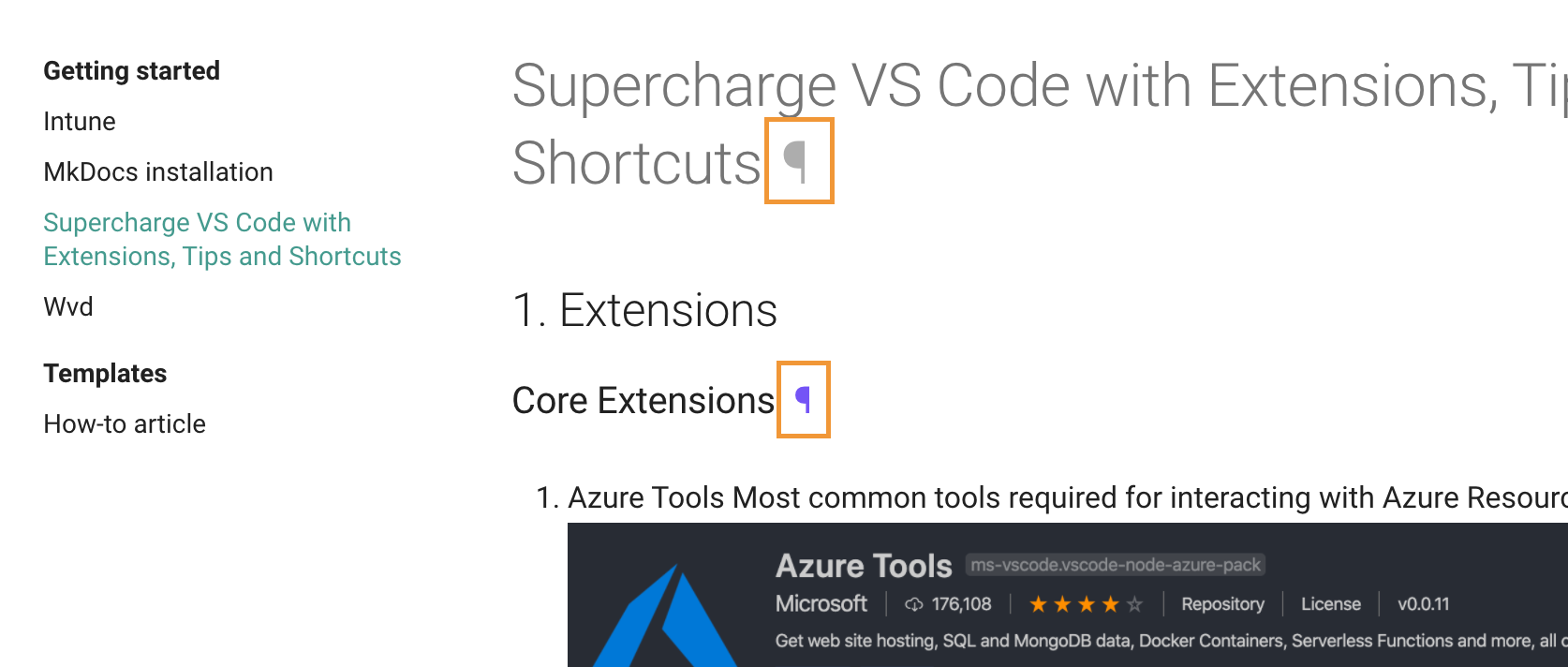
Some user docs include a navigation menu on the left side and right side of the page. These allow you to jump to a specific section of the current article, or access other articles in the same topic. This is a great way to discover and explore related articles. Clicking the permanent icon next to the title header will update the URL to point directly to that section, so you can easily share it with others.